My best mouse MX Master 3S, has a problem — the left button is not working well. Need to click 2-3-5 times before the click works. I tried a few advices:
- blows left button, with air. No effect.
- Disassemble the mouse and drop oil on the button. No effect.
- Drop methanol 96% on the button. No effect.
- Move the wireless receiver to another port. No effect.
- Replace the left click switcher, it’s the best way!
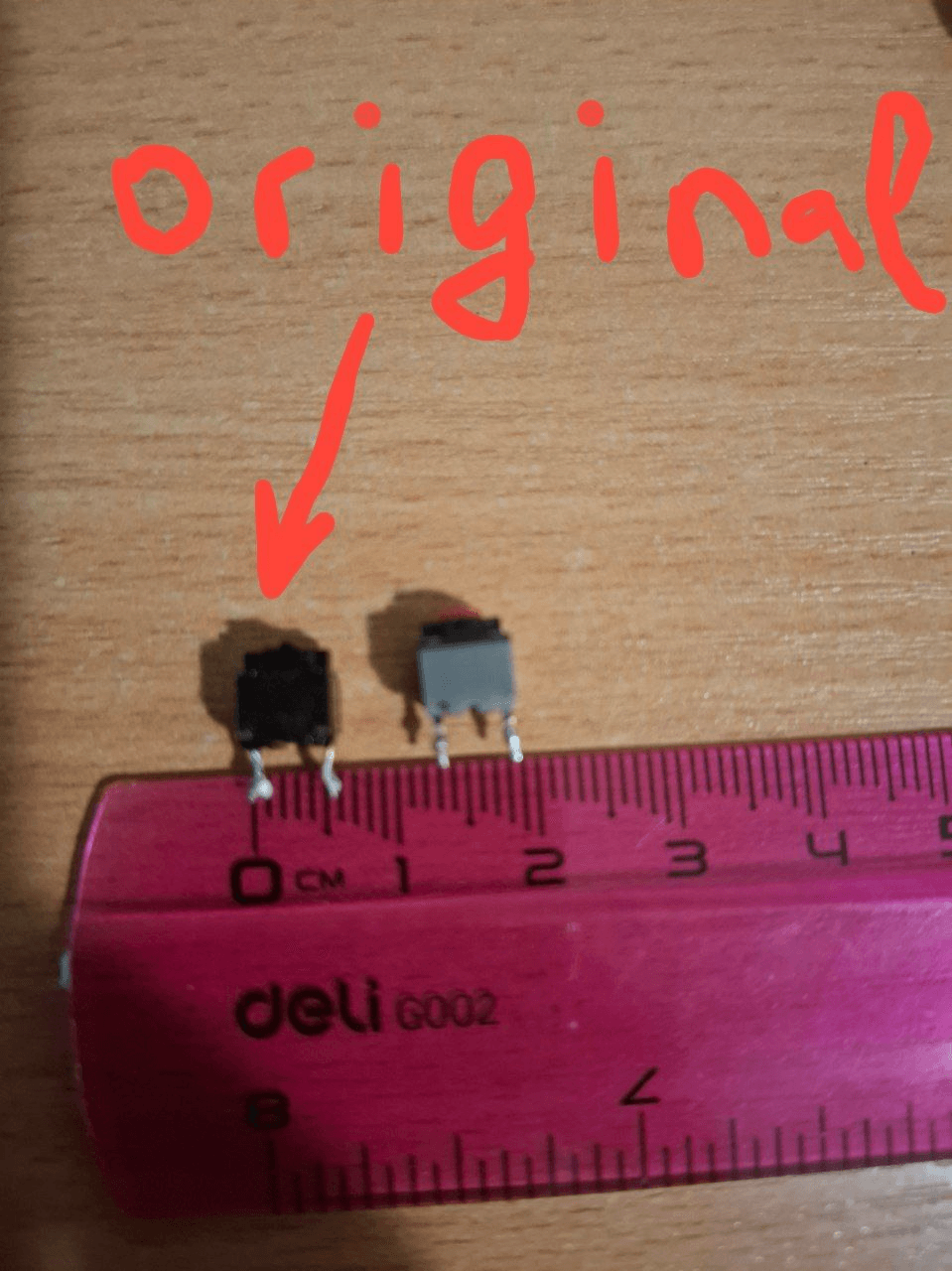
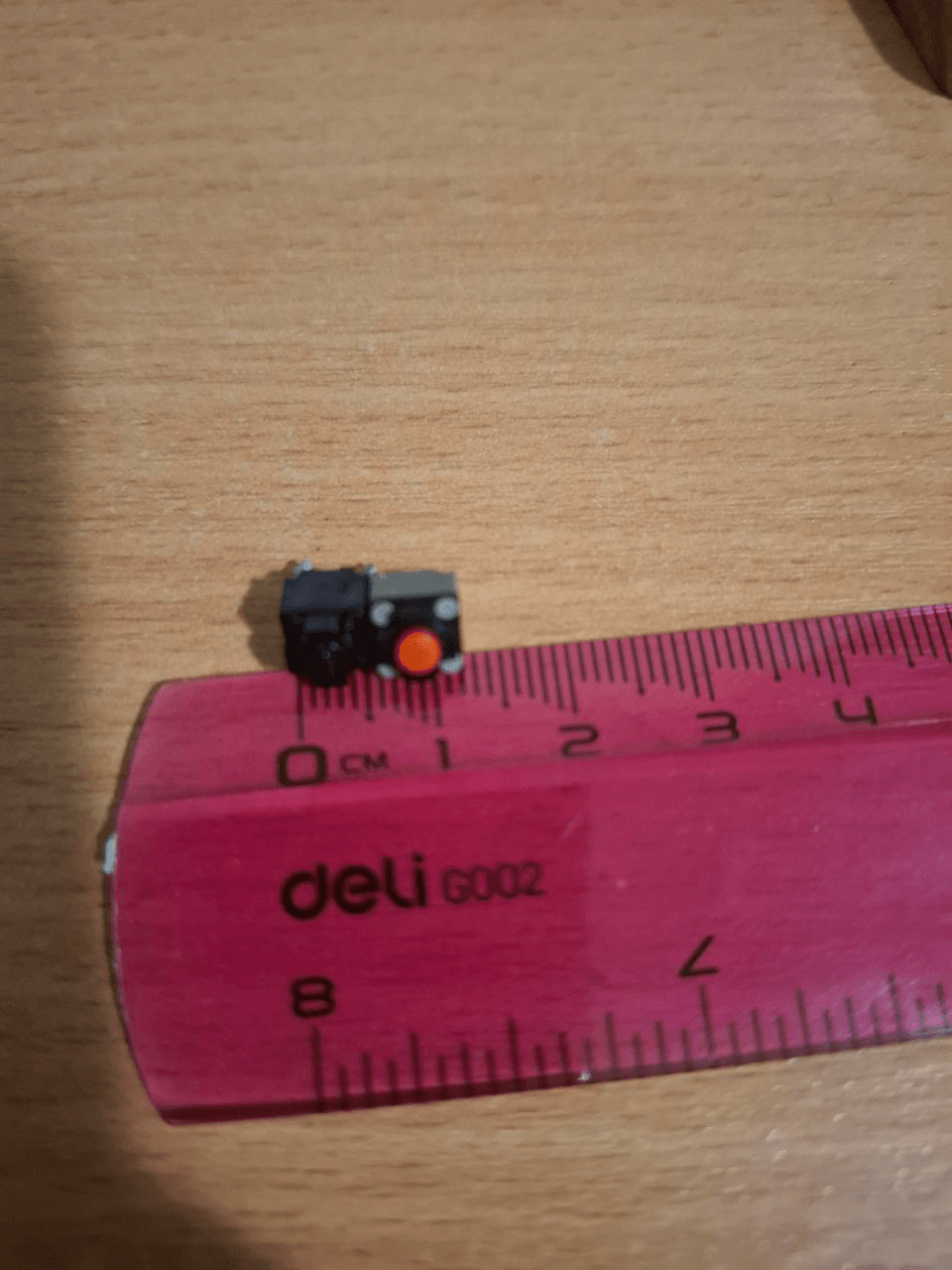
You could buy a new switcher. I use a dead mouse with a silent click like a donor. Original swither has dimensions of about 5mm x 5mm x 5mm. Donor`s swither is a little bigger, but it’s no problem.
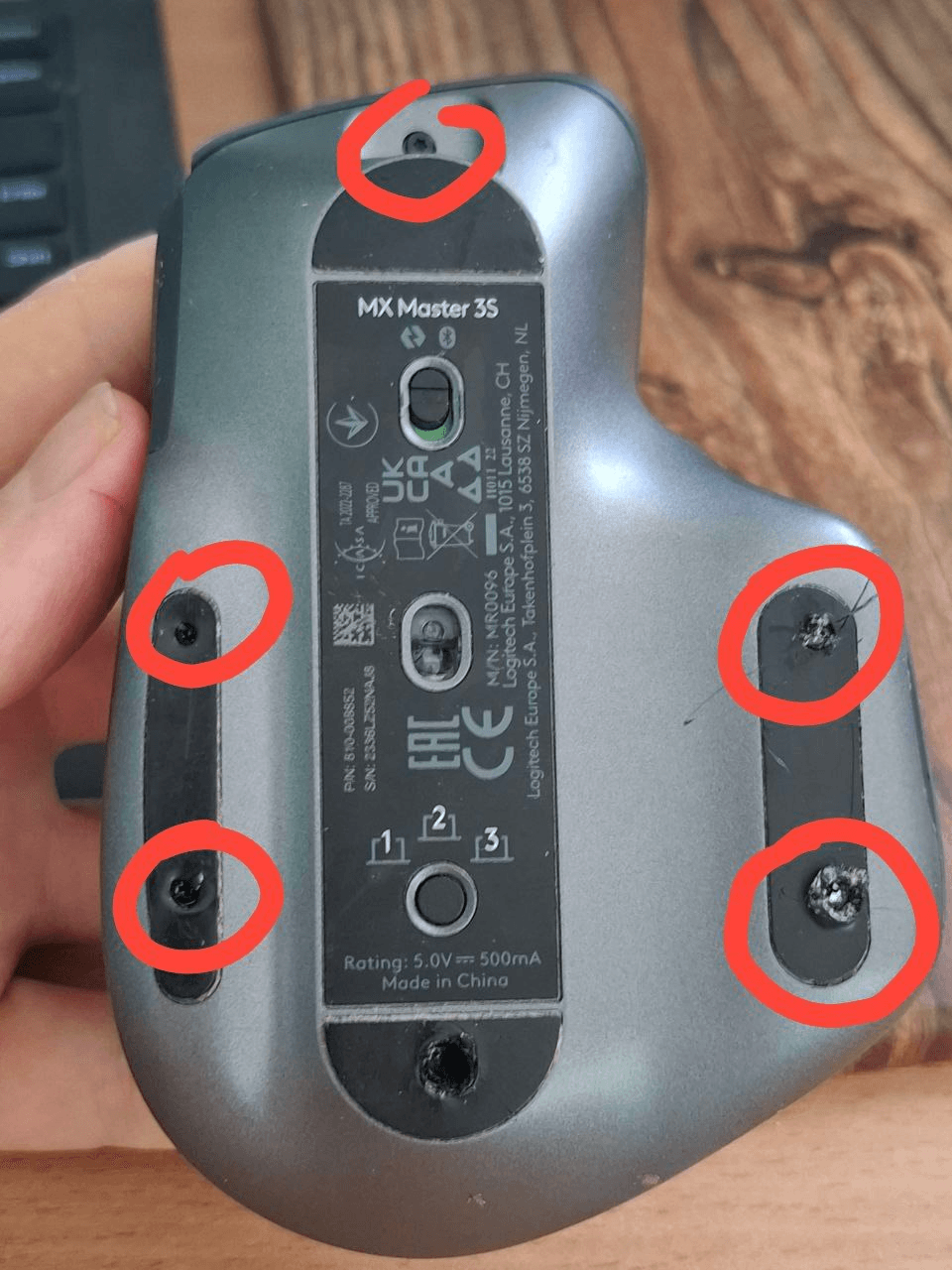
To disassemble the mouse, unscrew the 5 screws. If you don’t have new pads, you could save them, make a hole, and unscrew the screws. Pads look ugly, but still work.
Open the mouse, unscrew two screws
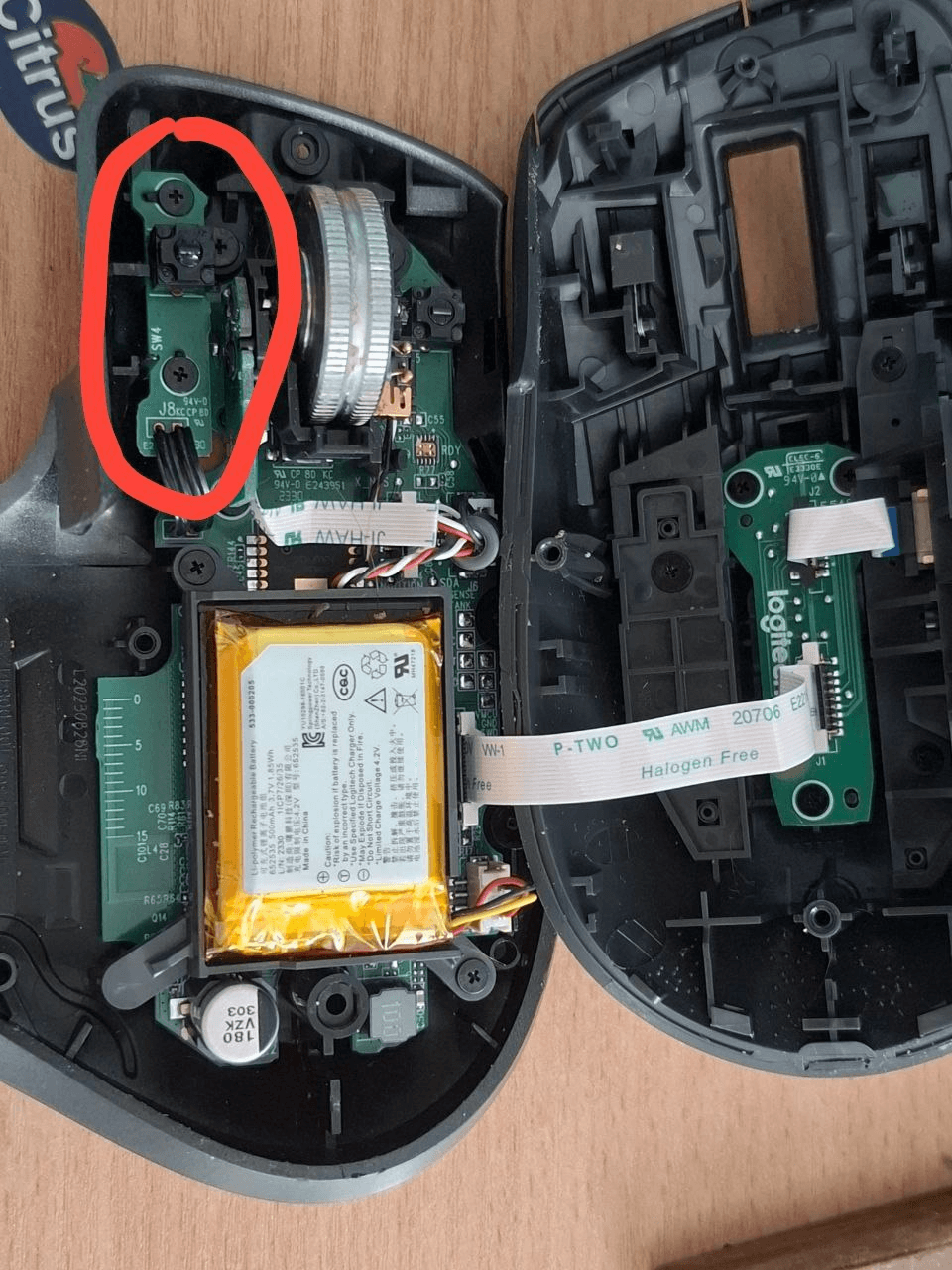
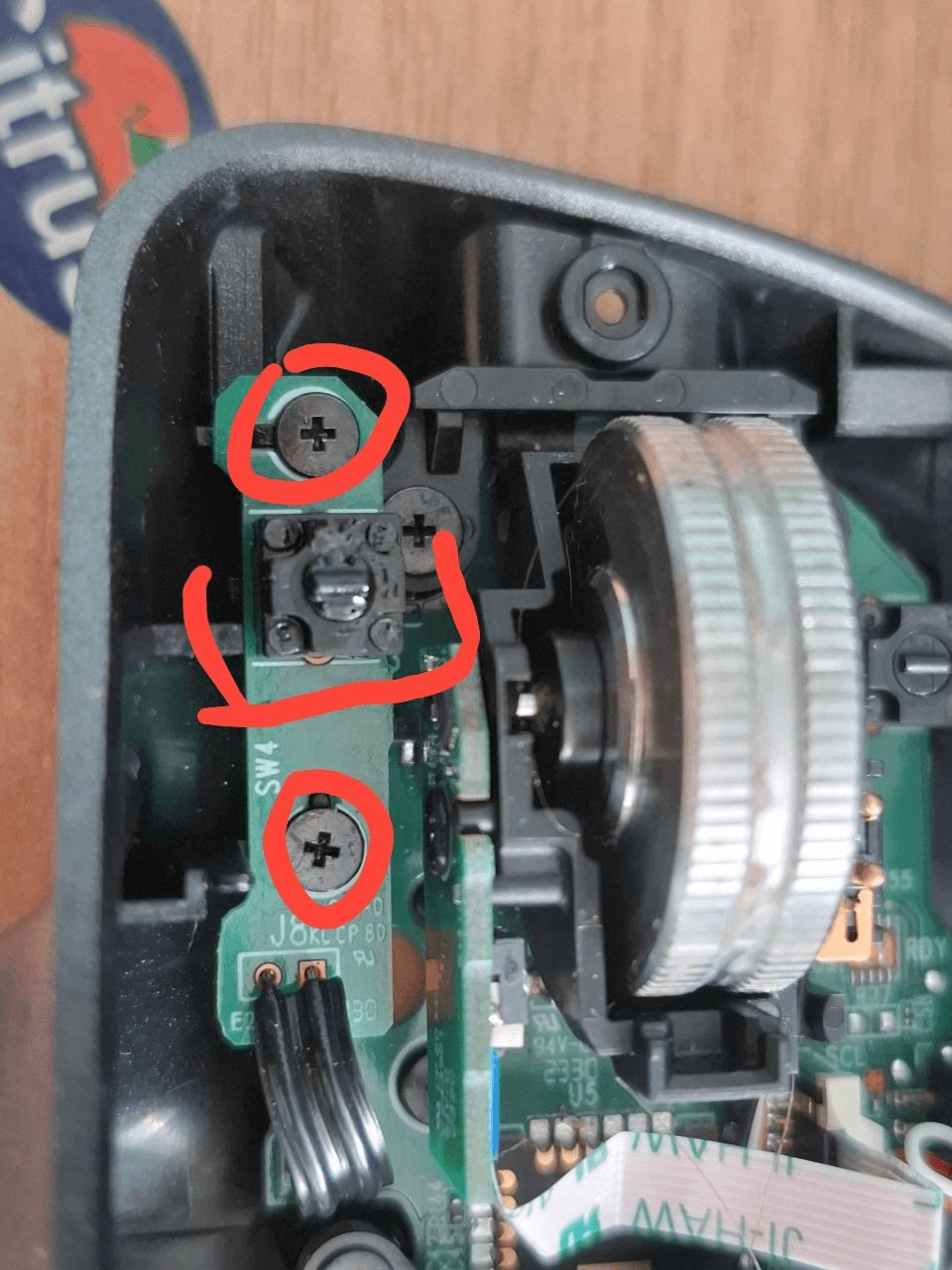
Use a soldering iron and replace the dead switch. Assemble the mouse and enjoy clicking!
Russia is a terrorist state.